PSG Services - New User guide
As a new user, you need to perform the following steps to start working with PSG Services:
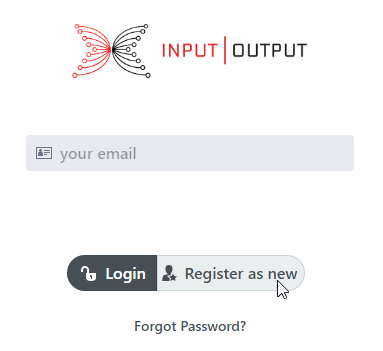
Open PSG Services Login page
Enter email and select the “Register as new user” button
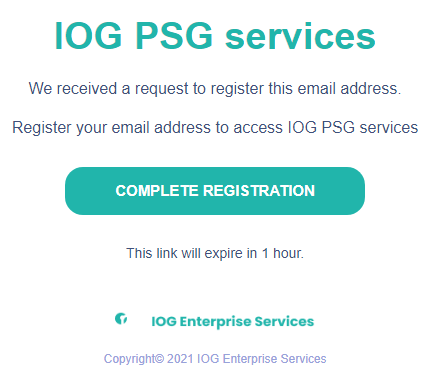
Check your mailbox for the verification email. Click “Complete Registration” button
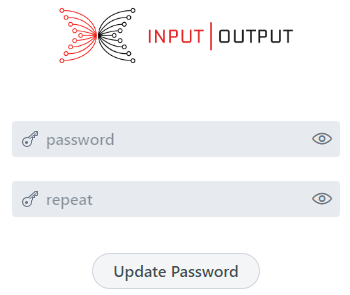
Enter a new password and click “Update password” button. You will be redirected to Login page
Enter email, password and click Login button. You will be navigated to the View Package page by default
Go to the Deposit page by clicking a link in the left menu bar
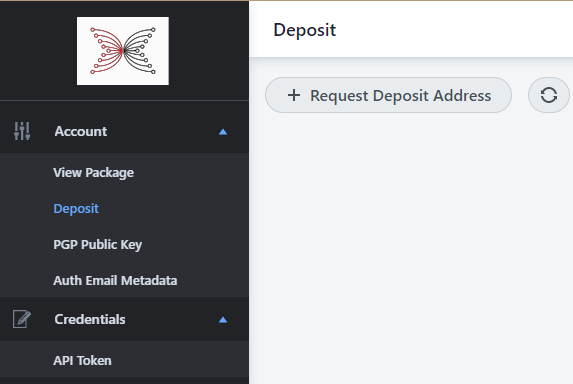
Select “Request Deposit Address”. Wait up to one minute and update the page content by clicking the refresh button on the page.
You should get a generated wallet address for funding on the page
Purchase PSG Services package
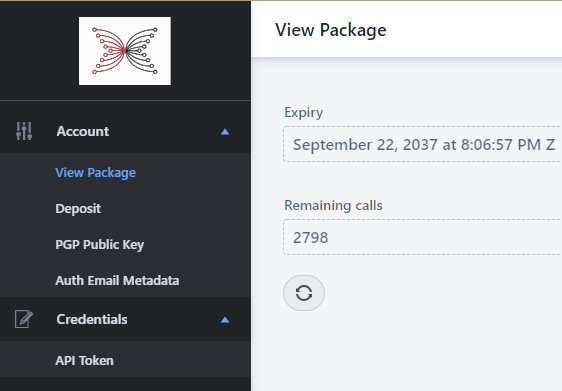
You can navigate to the View Package page from the menu bar on the left side to check the package status.
Generate a new token at the API Token page. Do not forget to save the token value, as it will not be displayed on the page after the page refreshes.
You can always replace an existing token with a new one by selecting the “I want to replace existing API Token” option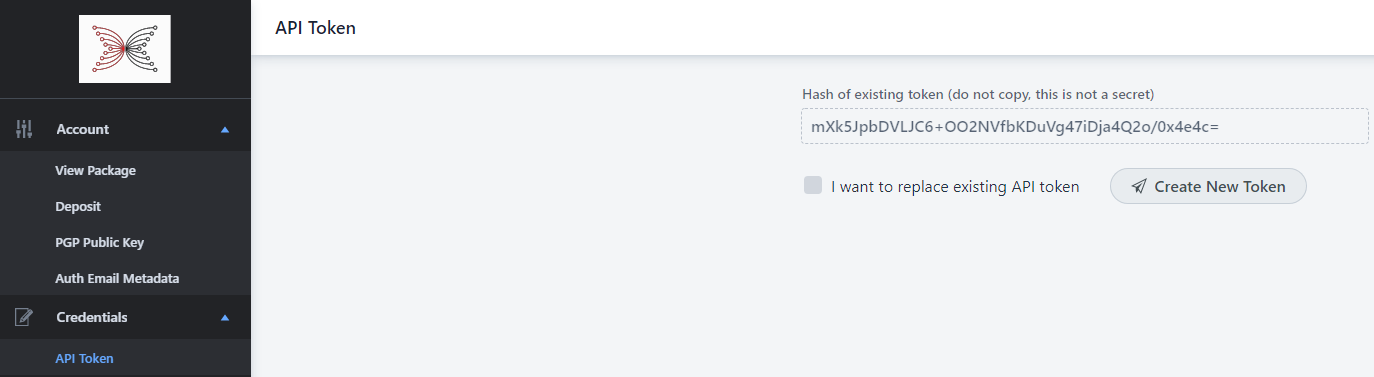
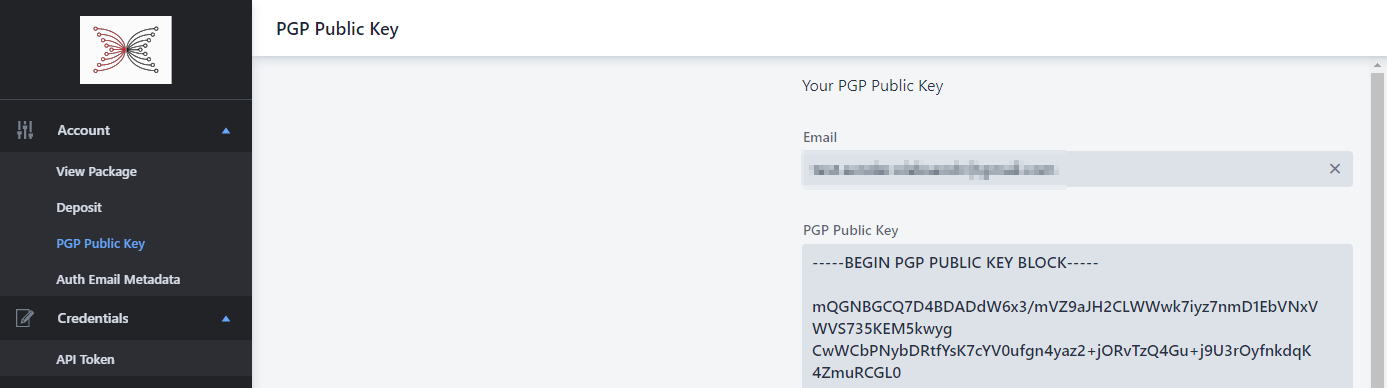
Set your email and PGP public key at the PGP Public Key page
Now, you are ready to use PSG Services!
PSG Services package description:
Deposit 10 Ada (or multiples of 10) to purchase credits.
Each 10 ADA purchases 250 credits and 30 days in which to use them.
If you have 0 credits, after depositing 10 ADA on May 1, you will have 250 credits that will expire on May 31.
If you have 3 credits that expire on May 1, after depositing 10 ADA, you will have 253 credits that will expire on May 31.
API call prices include all network transaction fees.
Price List:
Metadata:
SubmitMetadata: 10 credits
ListTransactions: 1 credit
Store and hash:
AuthenticatedEmail: 15 credits
HashAndStore: 1 credit
Custodial Native assets:
createPolicy: 5 credits
deletePolicy: 5 credits
getPolicy: 1 credit
getPolicies: 1 credit
createAsset: 5 credits
deleteAsset: 5 credits
listAsset: 1 credit
listAssets: 1 credit
mint: 150 credits
fund 1 ADA: 25 credits
transfer: 25 credits
burn: 25 credits
importPolicy: 5 credits
airdrop: 25 credits
checkAirdropStatus: 1 credit
Non - Custodial Native assets:
createPolicy: 5 credits
deletePolicy: 5 credits
getPolicy: 1 credit
getPolicies: 1 credit
mint: 150 credits
transfer: 150 credits
burn: 150 credits
addWitness: 1 credit
listWitnesses: 1 credit
sendTx: 25 credits
getTx: 1 credit
listTxs: 1 credit